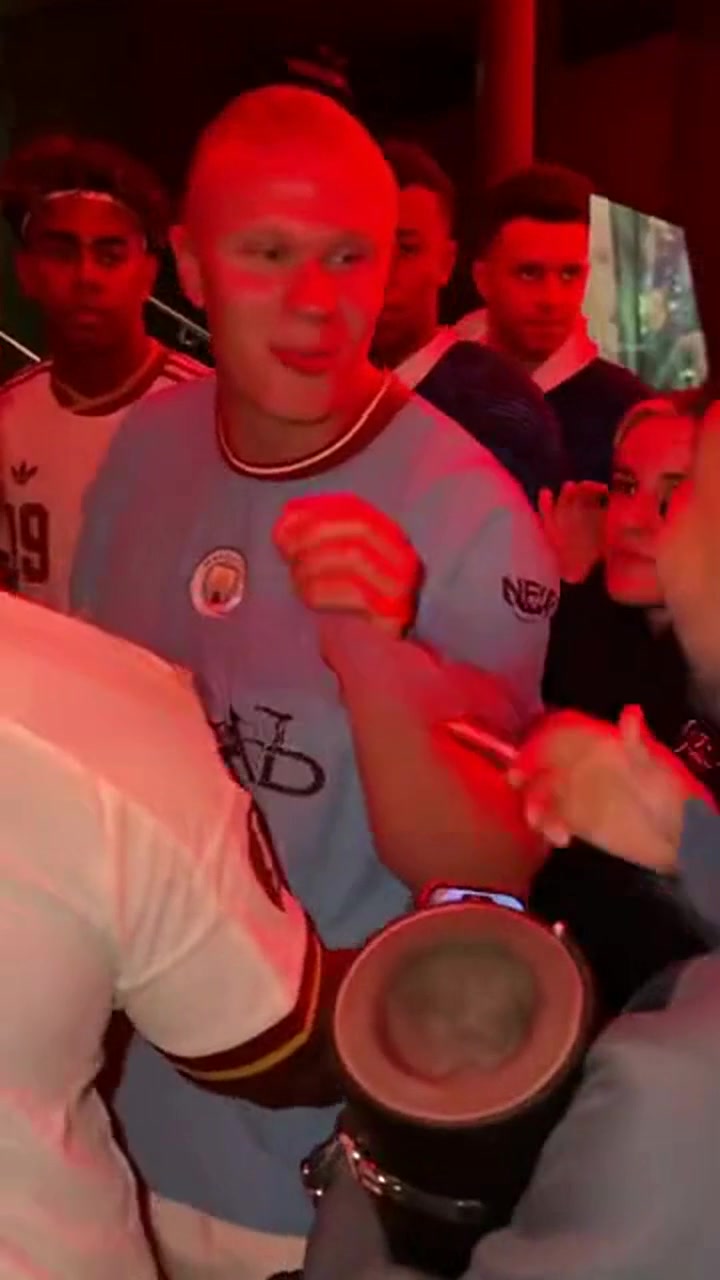
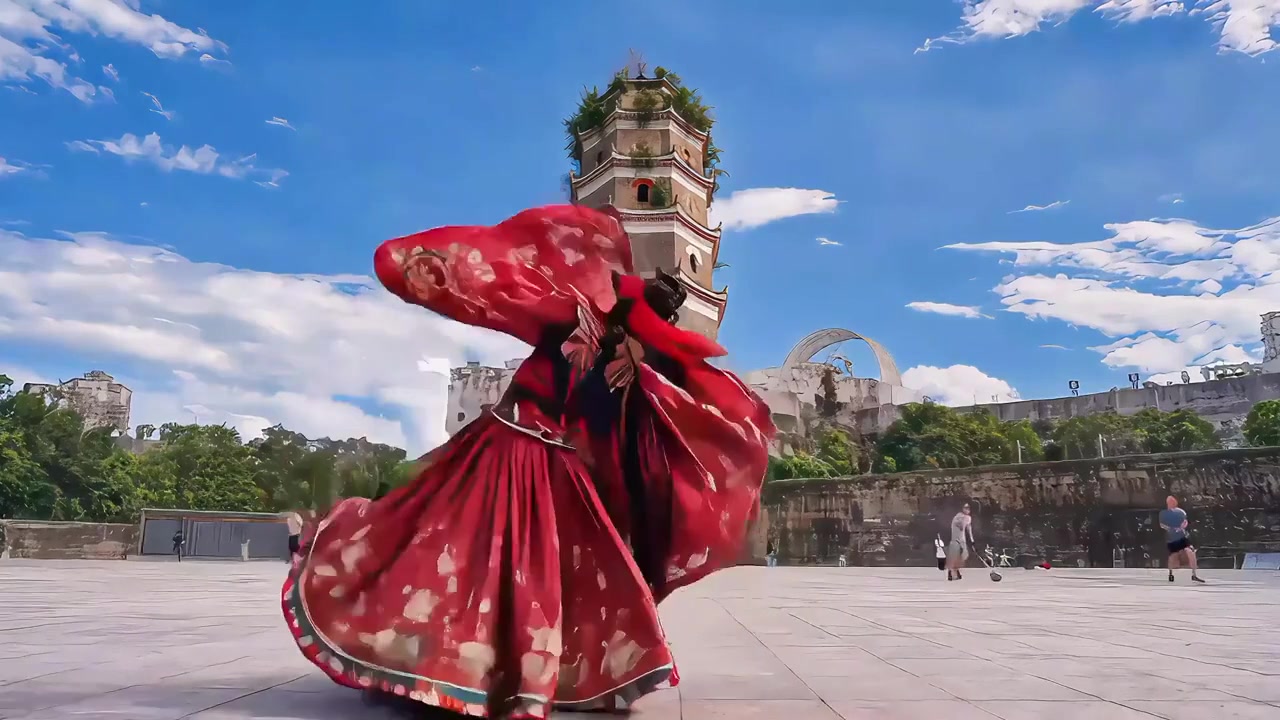
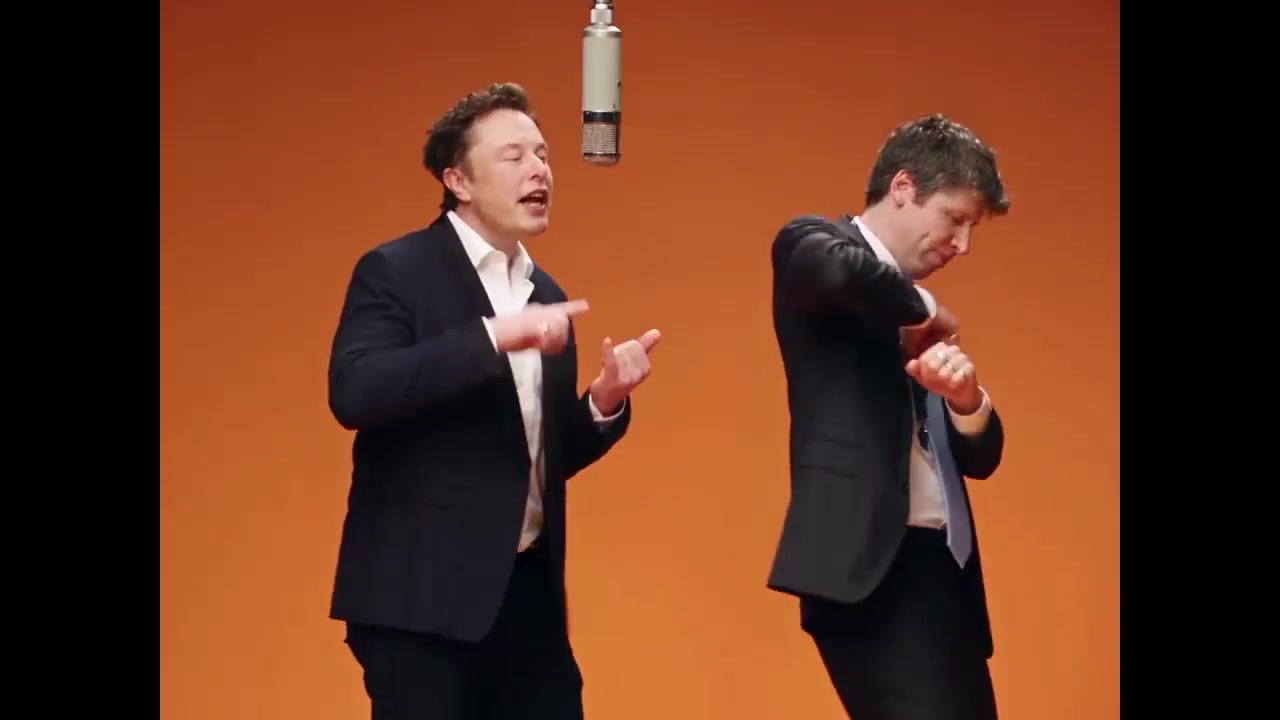
Studio scene
AI Studio Intro Seedance 2.5 Video
One photo
Create a fictional, non-speaking studio introduction from your photo. Generated videos do not provide factual news or verified announcements.
- ✓ Watch effect examples
- ✓ Preview photos locally
- ✓ No app required
- ✓ Checkout buys video uses only
VISUAL BREAKDOWN
What is the AI Studio Intro Effect?
The focus is the message and how it is presented: a clear headline, an uncluttered studio and a presenter facing the camera.
Choreography & Camera Motion
Study the movement and camera framing in the reference clip.
Face & Expression Transfer
Prepare clear photos with unobstructed faces for your concept.
Dynamic Lighting & Atmosphere
Compare the background, colors and lighting in the example.
Browser photo preview
Check your photos locally. The current page does not render or export a new video.
4-STEP WORKFLOW
Explore the AI Studio Intro effect
- 01
Prepare your photos
Use clear, well-lit photos that match the people shown in the effect.
- 02
Preview your photos
Select photos to check their framing. They stay in this browser.
- 03
Compare the example
Submit your video generation task. Review progress and download the completed 720p video in My Creations.
- 04
Review the available options
Sign in and generate using 1 video use. Your photos upload when submitted. Track progress and download results in My Creations; failed tasks return the video use.
Prepare one clear portrait with permission from the adult pictured. The generated scene is fictional and does not include speech or factual claims.
QUESTIONS & ANSWERS
Frequently Asked Questions
Can I download the reference videos?
No. Reference video source files are not available for download. All reference videos on this site are strictly for in-browser playback and choreography demonstration.
Will generated videos have watermarks? Are they commercially licensed?
Review and download completed videos in My Creations. Before commercial use, confirm the necessary rights to people, music and input materials.
What resolution are generated videos?
Videos are generated with Seedance 2.5 and delivered as 720p MP4 files. Framing follows the selected effect.
How many photos do I need to upload?
Upload the required number of clear portraits matching the effect (1 photo for solo performances, 2 for duets like Chuttamalle).
How long does video generation take?
Processing starts when you generate. Timing depends on the provider queue and rendering. Follow the task in My Creations; buying a pack does not start generation.
READY TO CREATE?
Explore your AI Studio Intro idea
Preview your photos and compare the reference before choosing a video use pack.
Back to photo preview →